
Johns Hopkins faculty, staff, and students can access MATLAB through the university's Campus-Wide License. CMTS does not provide technical support for MATLAB, but the resources below explain how to install and license the software.
Install and license MATLAB
Use your JHED ID followed by @jh.edu (for example, JHEDID@jh.edu) to sign in to MathWorks through JHU single sign-on.
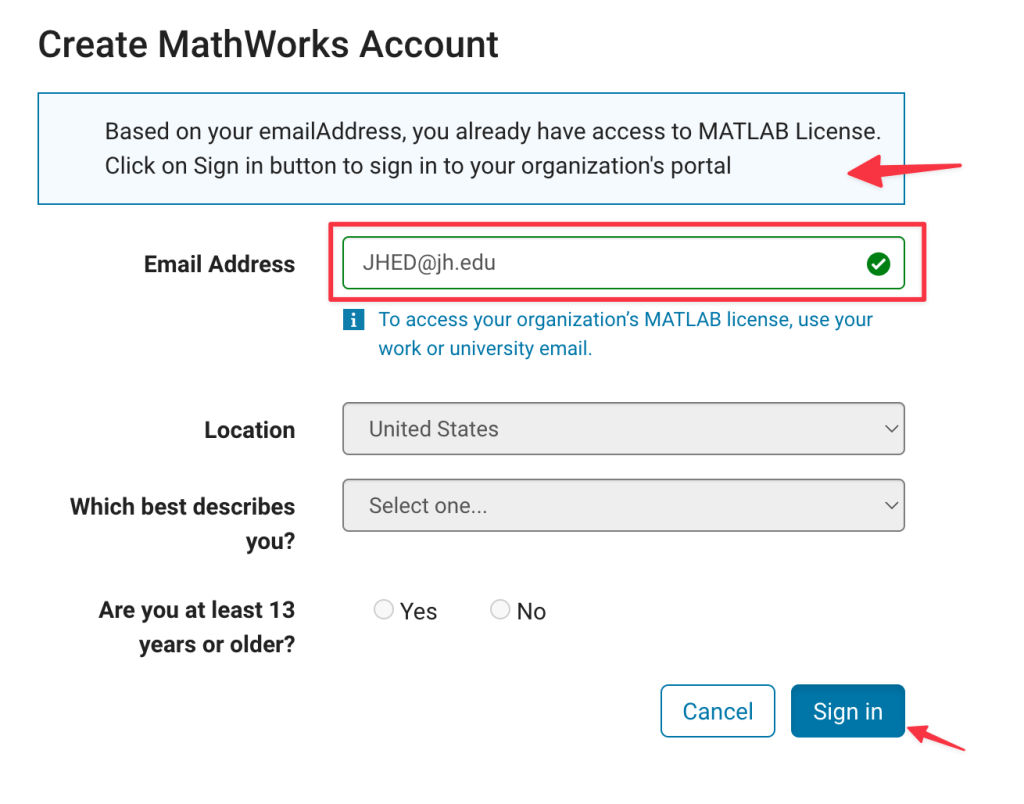
Follow WSE IT's MATLAB Install and Initial Licensing guide for step-by-step instructions. During installation, MathWorks may ask for an email address that differs from your JHEDID@jh.edu sign-in. Use the email address shown on the download confirmation page, as explained in the WSE IT guide.
To update the license for an existing installation, follow WSE IT's Refresh MATLAB License instructions.
For licensing or installation help, contact WSE IT at wsehelp@jhu.edu.